
How to Use Y2maate - Complete Guide
Learn how to download YouTube videos and audio in just a few simple steps. Follow our comprehensive guide with screenshots and tips.
Find Your YouTube Video
Open YouTube and navigate to the video you want to download. You can search for videos using keywords, browse channels, or access videos from your playlists and watch history.
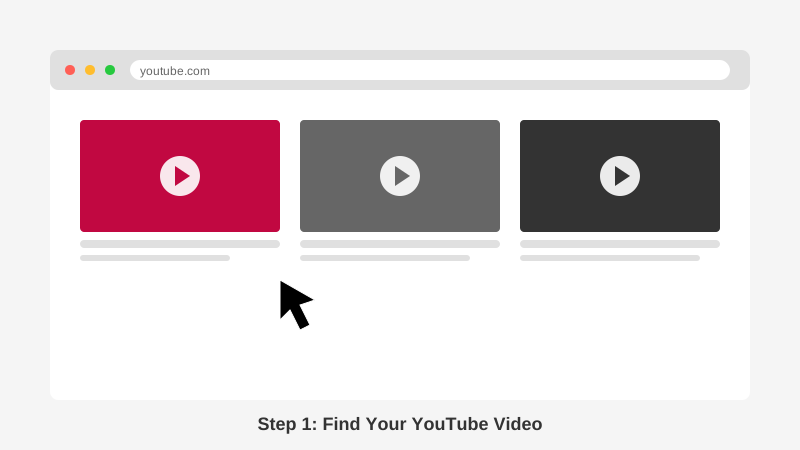
Browse YouTube and find the video you want to download
Copy the Video URL
Click on the address bar at the top of your browser where the video URL is displayed. Right-click and select 'Copy' or use the keyboard shortcut Ctrl+C (Windows) or Cmd+C (Mac) to copy the entire URL.
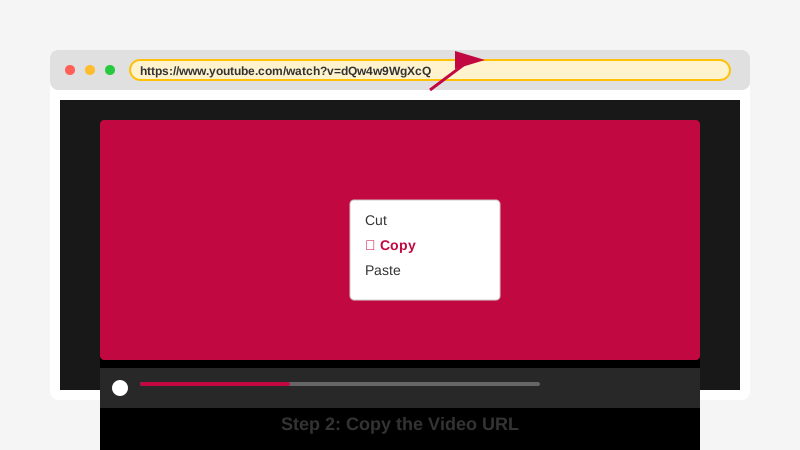
Copy the YouTube video URL from your browser's address bar
Paste URL into Y2maate
Visit Y2maate.com and locate the search box at the top of the page. Click inside the input field and paste the YouTube URL you copied. You can right-click and select 'Paste' or use Ctrl+V (Windows) or Cmd+V (Mac).
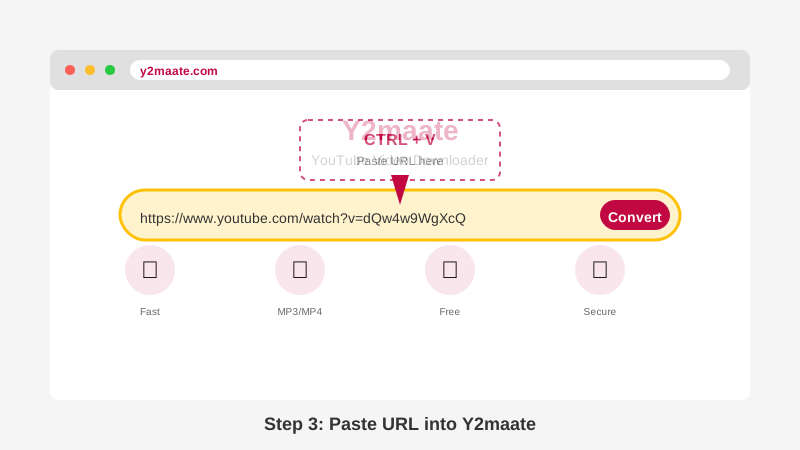
Paste the YouTube URL into Y2maate's search box
Choose Your Format and Quality
After clicking 'Convert', Y2maate will analyze the video and present you with various download options. Select your preferred format (MP3 for audio, MP4 for video) and choose the quality that suits your needs - from 144p to 4K for videos, or 64kbps to 320kbps for audio.
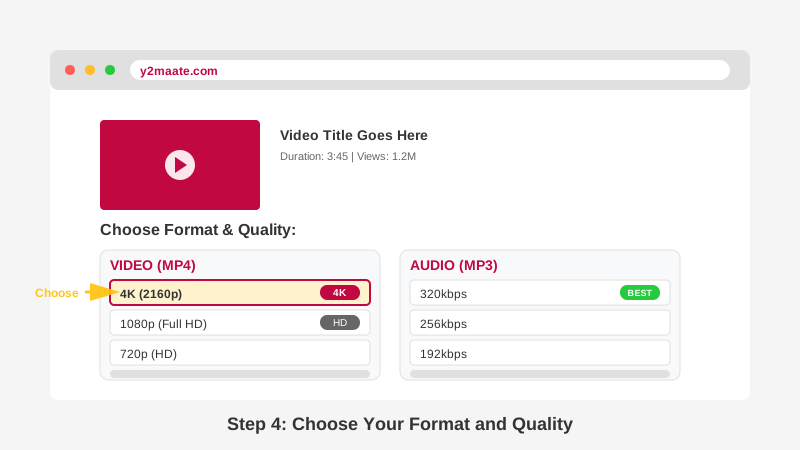
Select your preferred format and quality from the available options
Download Your File
Click the 'Download' button next to your selected format and quality. Your browser will begin downloading the file immediately. You can find the downloaded file in your browser's download folder, typically located in your 'Downloads' directory.
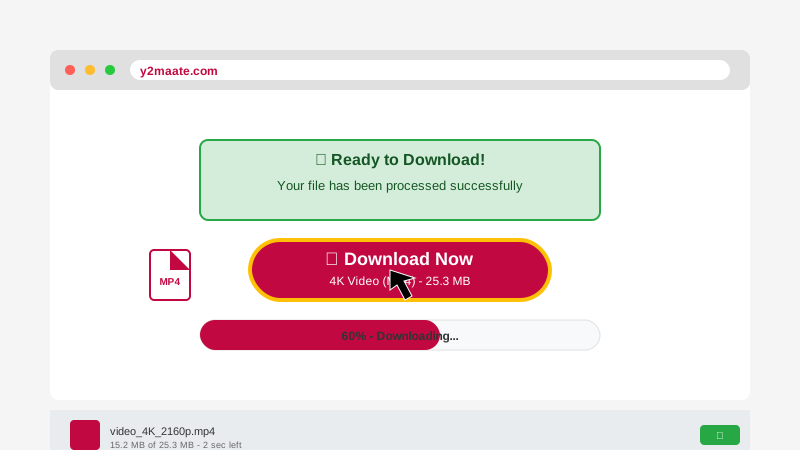
Click download and wait for your file to save
Tips & Tricks for Better Experience
Choose the Right Quality
For mobile viewing, 480p or 720p is sufficient. For large screens and TVs, opt for 1080p or 4K. Higher quality means larger file sizes.
Fast Access Shortcut
Type '1s' before 'youtube' in any video URL to access Y2maate instantly. For example: 1syoutube.com/watch?v=ABC123
Check Copyright
Always respect copyright laws. Only download content you have permission to use or that is in the public domain.
Safe and Secure
Y2maate requires no registration and stores no personal data. Your downloads are completely private and secure.
Frequently Asked Questions
How long does it take to download a video?
Download time depends on video length, selected quality, and your internet speed. Most videos process and download within seconds. Longer videos or 4K quality may take a minute or two.
Can I download multiple videos at once?
Yes! You can open multiple browser tabs and start downloads simultaneously. Y2maate supports unlimited concurrent downloads.
What if the download fails?
If a download fails, check your internet connection and try again. Ensure the YouTube URL is correct and the video is publicly available. Some videos may be restricted due to copyright or regional limitations.
Do I need to install any software?
No! Y2maate works entirely in your web browser. No downloads, installations, or extensions required. It works on all devices and browsers.
Is there a limit to how many videos I can download?
Absolutely not! Y2maate offers unlimited downloads with no restrictions. Download as many videos as you need, whenever you need them, completely free.
Video Tutorial
Watch our step-by-step video guide for a visual walkthrough of the download process.
Ready to Start Downloading?
Now that you know how to use Y2maate, start downloading your favorite YouTube content today!
Start Downloading Now